
Tomodachi Life Grid — Tomodachi Life Pixel Art & Living the Grid Drawing Helper
Tomodachi Life Grid is a free pixel art generator for Tomodachi Life: Living the Dream. Upload any image to create paintable pixel grids with exact in-game colors, brush settings, and drawing guides—perfect for creating Tomodachi Life pixel art and Living the Grid–style designs.
Tip: Start with a clear image, then tune brush size, colour count, and helpers until the grid matches your target style.
Tomodachi Life Grid Studio
A mobile-friendly workspace for turning images into paintable Tomodachi Life palette grids.
Your uploaded image will be center-cropped to the selected in-game canvas shape.
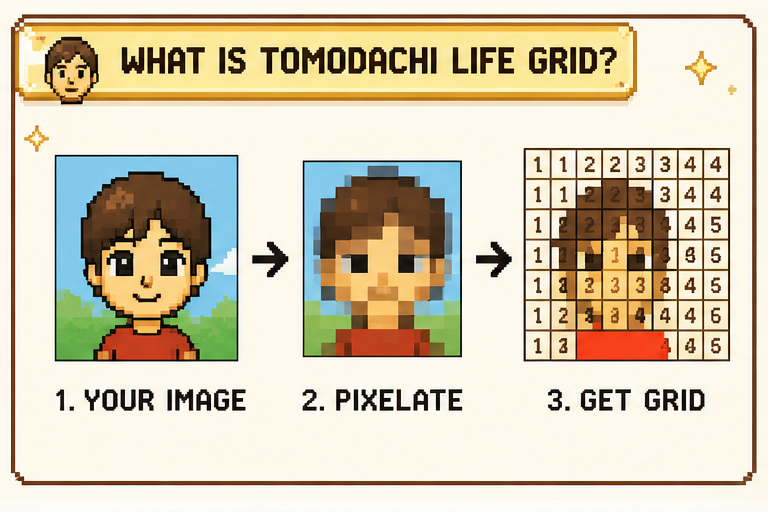
What Is Tomodachi Life Grid?
Tomodachi Life Grid replaces guesswork with a structured preview, a matched palette, a brush recipe, and cell-by-cell guidance that is already mapped out.
- Made for this gameTomodachi Life Grid is tuned for Tomodachi Life: Living the Dream and its Palette House workflow.
- Works from any imageUse portraits, icons, logos, references, memes, or rough sketches as your source material.
- Already mapped outPreview, palette, brush setup, and paint guidance stay aligned so you can reproduce the design by hand.
Why Tomodachi Life Grid Helps
Tomodachi Life Grid helps you translate source images into a format that is easier to recreate inside the game.
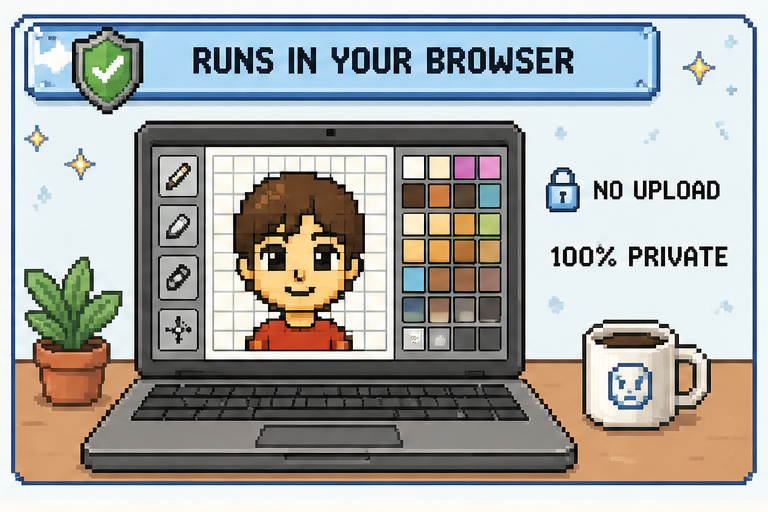
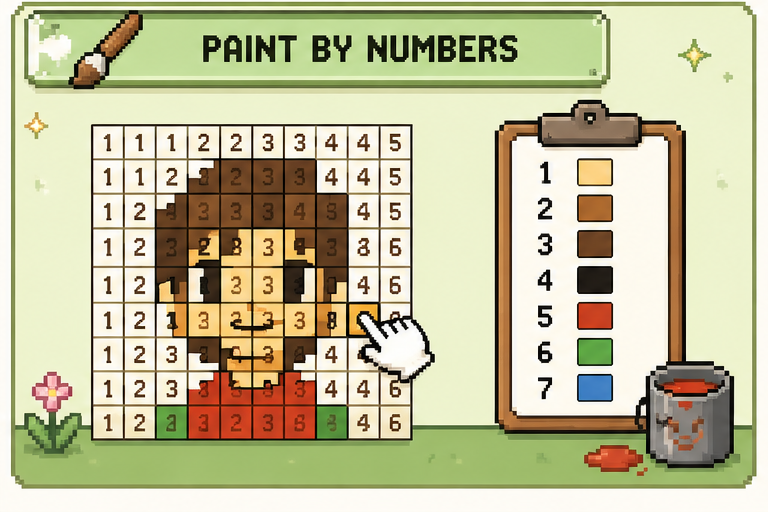
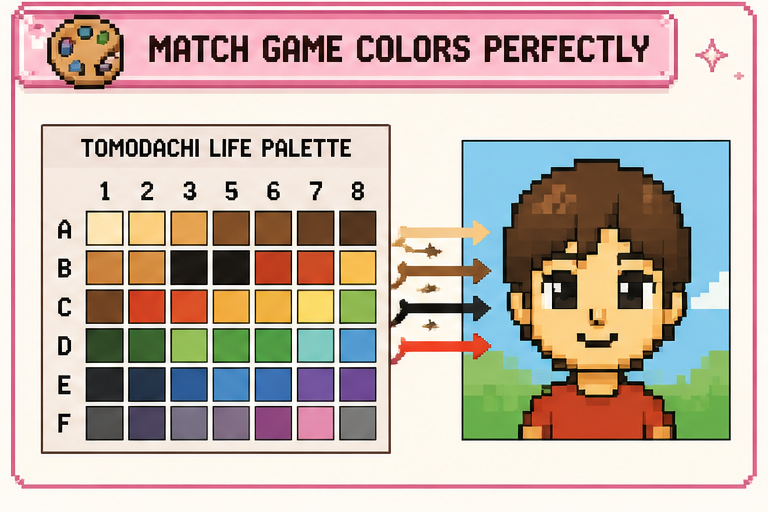
Use Tomodachi Life Grid in 3 Easy Steps
Start with an image, tune the output, then follow the mapped recipe in-game.
What Tomodachi Life Grid Gives You
The studio is built around the exact references you need while painting in Palette House.
Game palette
84 handpicked swatches matched to the in-game colour picker.
Recipe card
See which brush, shape, and stroke mode to set before you paint.
Find a colour
Hover a swatch to light up its matching cells in the preview.
Paint-by-numbers exports
Download printable references with colours, numbers, or palette data for later use.
Cell-by-cell guidance
Keep your place while painting with numbered overlays and coordinate helpers.
Flexible source support
Bring in portraits, icons, logos, memes, and rough sketches without changing your workflow.
Designed for In-Game Reproduction
Built to turn a reference image into something you can actually paint inside the game.
84
Game swatches
Handpicked palette matches
3
Core steps
Upload, adjust, and paint
Local
Privacy model
Runs in your browser by default
Frequently Asked Questions About Tomodachi Life Grid
Have another question? Contact us through our support channels.
Is the Palette House canvas a true pixel grid?
Not by default. The game paints on a freehand 256 x 256 canvas with brush tools, but square brush plus pixel-perfect mode makes each stamp behave like a grid cell, which is the setup Tomodachi Life Grid is designed around.
Why do the references use row and column labels?
They give you fixed checkpoints across the design, so you can track positions quickly and keep painting without losing your place.
When is dither useful?
It helps most with photos, skin tones, skies, and other soft gradients. For flatter artwork like logos or icons, leaving it off usually gives a cleaner result.
What does the Game palette include?
It mirrors the full in-game paint selection: the main 77 swatches in the grid plus 7 extra saturated colours on the side, for 84 total matches to reference from.
Does the game really map to H, S, and B values?
Close enough to be practical. The in-game picker uses a hue slider with a saturation and brightness field, so the H/S/B readout here is meant to show where to aim inside that interface.
Why are the brush sizes locked to a small set?
Because the game itself only offers fixed brush sizes and modes. Sticking to one of those presets keeps every cell consistent and makes the recipe reproducible inside Palette House.
Why does Tomodachi Life Grid focus on grids instead of stamps, text, or fill tools?
Palette House already handles those freehand features well on its own. This tool is aimed at the image-to-grid part of the workflow, where a structured paint reference is most helpful.
Should I use Easy mode or Pro mode in-game?
Pro mode is the better fit. It exposes the full palette and toolset, which is what the recipe and references here assume.
What are the design storage limits in the game?
Clothing gets a much larger cap than the other categories: up to 300 clothing designs, while most other custom design types stop at 100.
How do I unlock Palette House?
You need at least six Mii residents. After that, an islander can trigger the handmade-related event that opens the workshop, with more design categories unlocking later.
Does the game have a live symmetry brush?
No. The symmetry option here is only for planning in the preview. In-game, mirrored work still has to be built manually using selection, duplication, and flip tools.
Which brush shape works best for grid painting?
Square is the dependable choice. It keeps corners crisp and prevents neighbouring cells from bleeding into each other the way round brushes can.
Why can the preview feel rough at 100% zoom?
At that scale, each cell can become too small to read comfortably on screen. Zooming in makes the grid easier to inspect while keeping the edges sharp.
Ready to Build Your Grid?
Upload any image, tune the palette and helpers, then take the recipe with you into Palette House.